Getting started with your CNC3020 milling machine
Inkscape
|
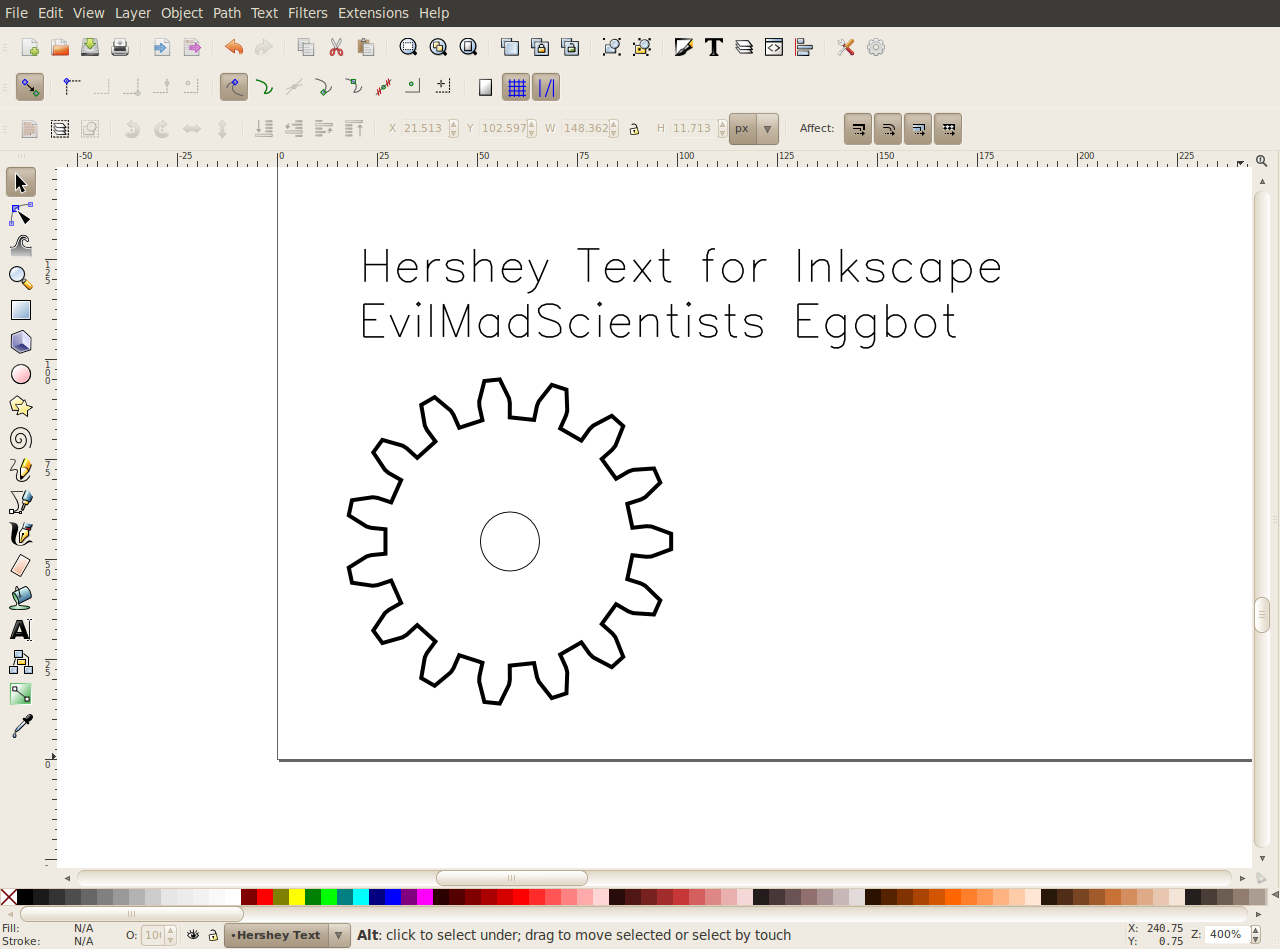
Inkscape has prooved
to be an invaluable resource for creating most of
the parts that i have needed up to this point. It is a free tool that
works on all OS platforms. Output is a scaleable vector graphics file
that is compatible with ShapeOku's MakerCAM (below). This combination
allows you to do pretty much any basic 2.5D cutouts, pockets, profiles,
and engraving.
|
Inkscape Download Link
|
|
Hershey Text / EggBot
|
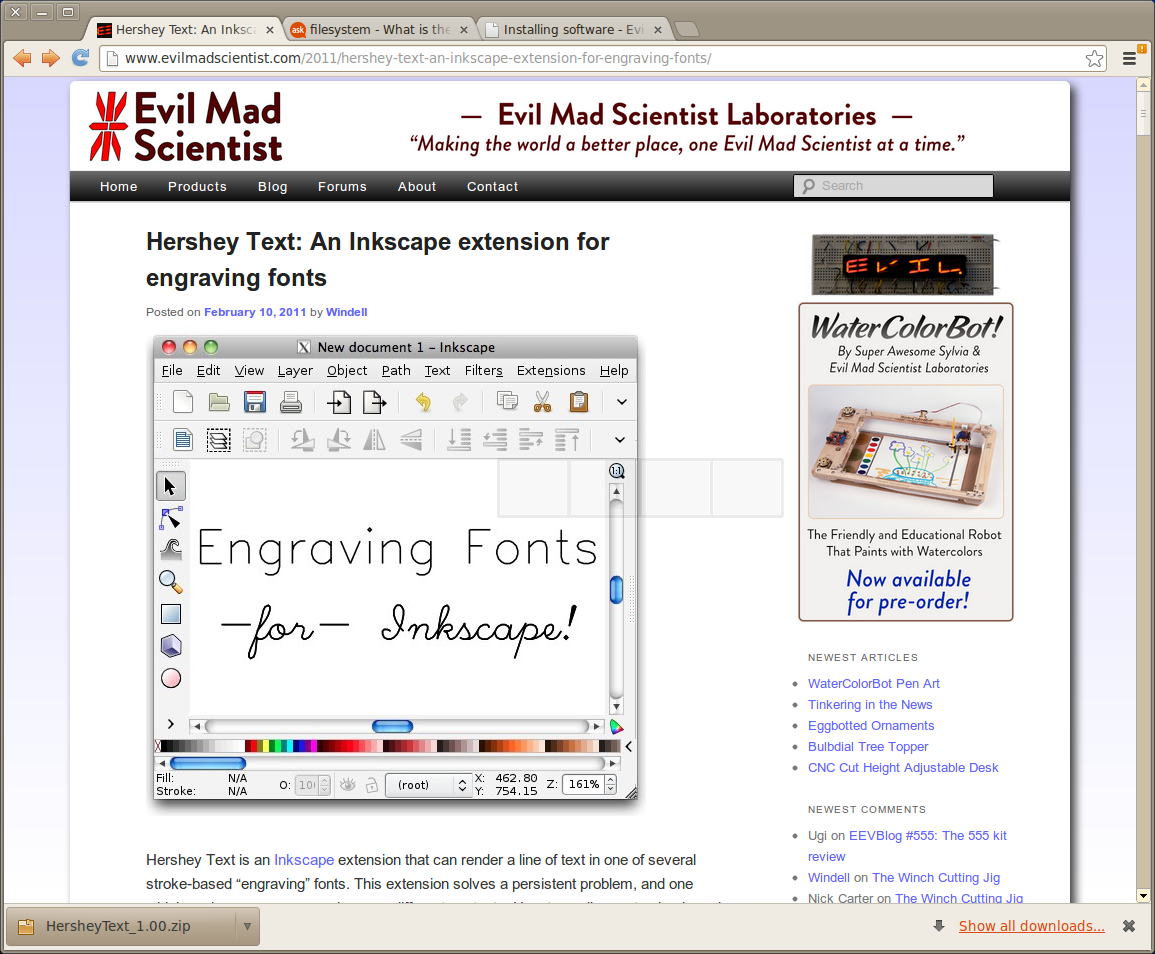
If
you want to do
much engraving of text into wood/metal/plastic you'll want to look into
the Hershey Text plugin for Inkscape created by "The Evil Mad
Scientists" for thier eggbot project. Turns out it works just a good
for engraving text as it does for plotting it on an egg with a sharpie.
All the fonts that come with inkscape are outline fonts (makes fine
engraving difficult)
|
Evil Mad Scientist Hershey Text Dowload
Some detailed instructions on how to get the plugin to work with Ubuntu (if you're a Linux noob like me)
|
|
MakerCAM
|
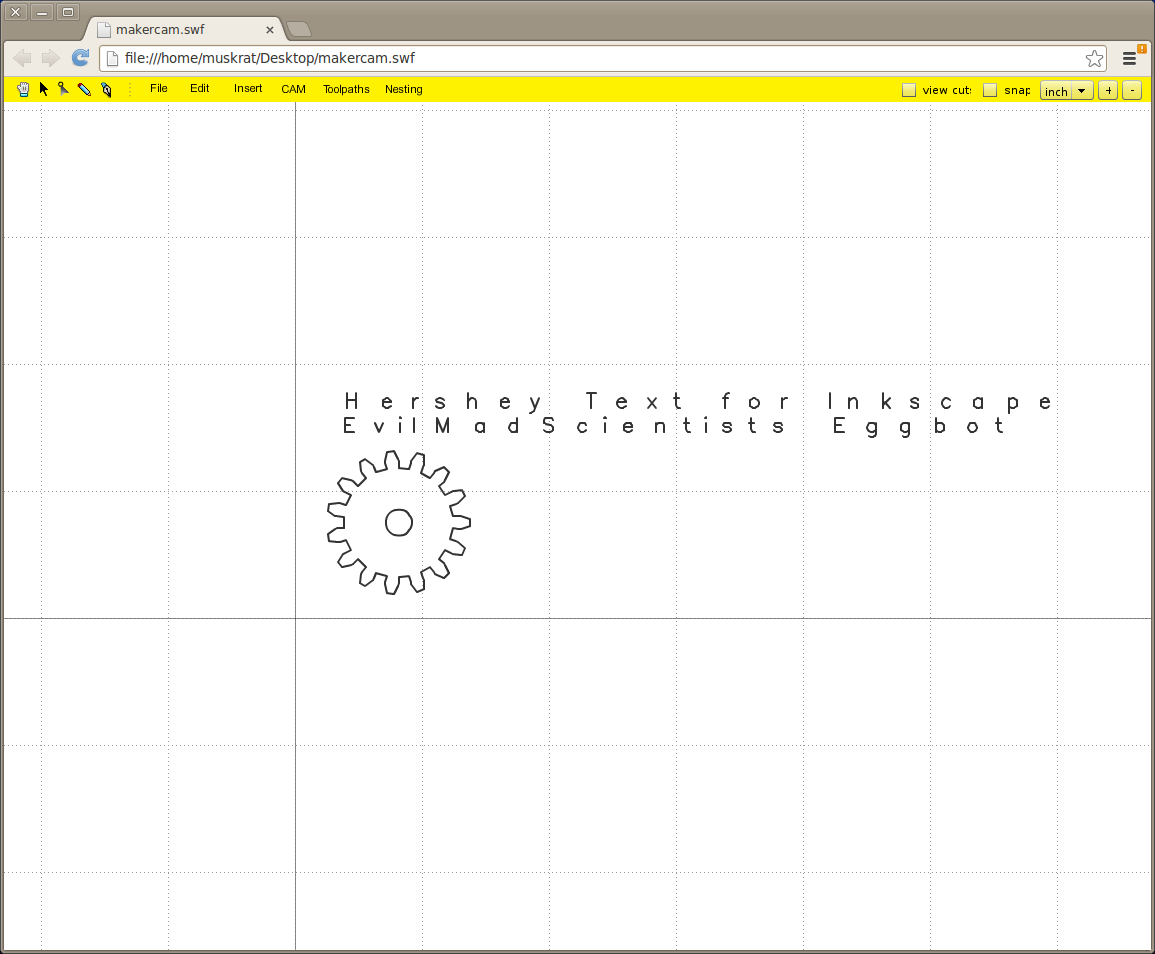
MakerCAM from
ShapeOko is the magic bullet i spent hours searching for. It is a
simple web-based app (that can be downloaded and run offline) that
creates gCode from Inkscape files. There are options for follow path,
profile, pocket, and drill operations. This (at least for me) covers
95% of everthing i have been planning to do with this CNC3020.
|
If you want more info or a download you can get that HERE
If you want just run it online you can also go HERE
This guy rocks!!!
|
|
MecSoft FreeMill
|
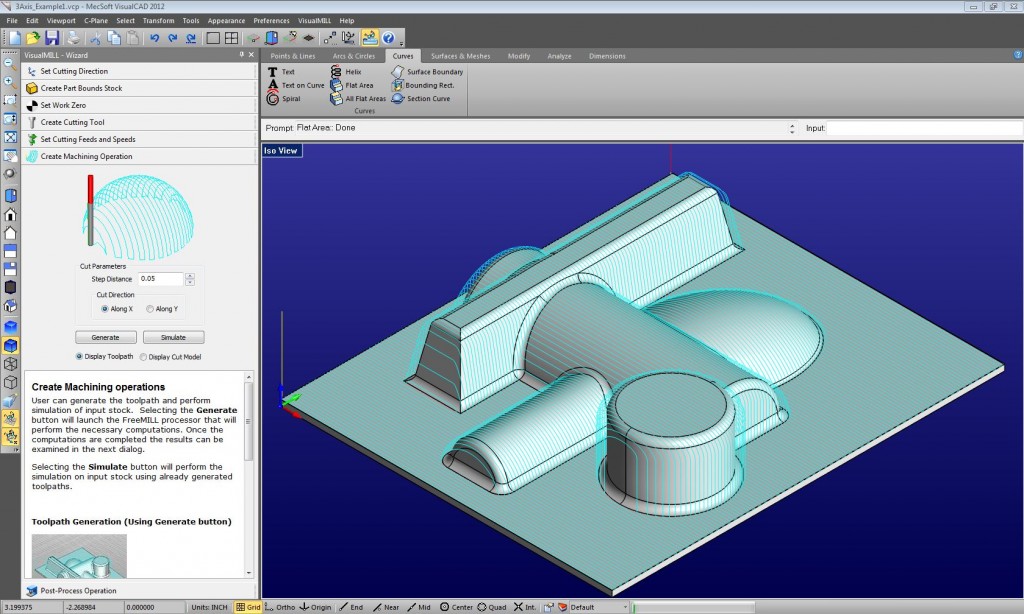
If you do need 3D and
free there is a piece of software i found from MecSoft called FreeMill.
There are several drawbacks here, the biggest of which appears to be
its inablily to render gCode for anthing other than single pass
parrallel rasters. Its a legitimate toolpath but since it plunges to
full final depth on each pass feedrates can be hard. Only work aroud I
found was to touch off the Z axis offset from the workpice, run the
program than move closer, re-zero, and run again (far from optimal)...
but hey it's free.
|
| In case you are interested (or need to do 3D contours) you can download it HERE. |
|
Eagle / PCB->gCode
EMC2/Ubuntu
Mach3
|

